02 June 2016

ستيكرز بطابع الحلويات للمنظم

النهارده اخترت طابع الاستيكرز يكون الحلويات (يم يم)

حبيت الوانها تكون فاتحه و لذيذه يا رب تعجبكم ولو عندكم اي اقتراحات ممكن تسيبو تعليق تحت.


المجموعه مصممه لمقاس البيرسونال ممكن تتطبع على ورق عادي و تلزق على المنظم او تطبع على ورق ستيكرز.

وممكن تقص من النص عشان تتحط في المنظم لحد ما تستخدميها.


استمتعو بها والى لقاء في المجموعه التاليه.

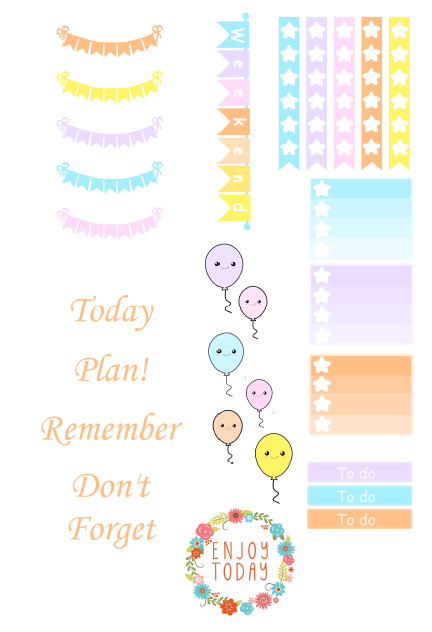
Candy Theme stickers Kit

Today I Was Having A sweet Tooth so here is a Candy Kit, Hope you enjoy it as much as I did.

Candy Kit


This Kit is designed for Personal planner size and can be printed on a normal paper or sticker paper and cut in half to fit your planner pockets until you use it.


If you have any theme or color that you want me to do just leave a comment below.

Happy planning.

26 May 2016

More and more fun with more FREE printables

Lets Continue our Free planner printables and today I am going to share with you some of the stickers kits I made.

First some checklist flags


The pastel kit

Pastel Kit


The Hot Pink and Brown Kit

Hot pink and brown kit


And finally the Pink bow Kit

Pink bow kit


I hope you enjoy the stickers.
If you like them and your are interested in more pritables and kits leave a comment here or on my Instagram account dodo_charms. 

مطبوعات مجانية - الجزء الثاني

نكمل باقي المطبوعات وزي ما اتفقنا دي للاستخدام الشخصي فقط.

المره دي بقى كل المطبوعات حتكون ستيكرز لتزيين المنظم لان دي احلى حاجه طبعا.

الاول نبدأ Checklist عشان المهام اليوميه


دي مجموعه منوعه من الستيكرز للمنظم 
ودي بتتطبع على ورق A6 وممكن على A5 لو عيزاها اكبر شويه


اتمنى يعجبوكم ولو حابين مجموعه تانيه من الاستيكرز و المطبوعات ياريت تسيبو تعليق هنا او على الانستجرام dodo_charms

19 May 2016

Molang Free Planner Dividers


Hi , so today I want to share with you my new Molang Planner Dividers, If you are following me on Instagram Dodo_charms then you must have seen them.

First I will share with you the links for the backgrounds and characters then I will explain how to do it.


OK to start assembling the dividers you need to print the backgrounds according to your planner size, use whatever app you like I used word as I explained how in my How to decorate your planner Post. 

If you are using A5 planner then it will be 5.9 * 8.3 Inch and if you are using  A6 Planner then 3.8 * 6.8 Inch.

Select all the characters and right click on them choose print and follow the below pic.

Now you should have 2 of each character mirroring each other.

cut your dividers and your characters and start assembling by choosing a character for each divider.

Put one in the front and the mirror one in the back using any glue.

Make sure to Separate the character in each divider so they will not cover each other.

You should end up with something like this :

You can use laminating machine if you want to make the more durable.

I hope you like this post and enjoy your new Dividers.